Key facts
- The author aimed to build a self-setting bedside clock with a red seven-segment display.
- The project utilized a Raspberry Pi Zero W/2 W and Adafruit's LED display kit.
- Software requirements included LAN-only operation, NTP sync, systemd services, and HomeKit control.
- The author used a large language model to assist with Python coding for the clock's display.
Frustrated by the limitations of traditional bedside clocks, particularly their need for manual adjustments during Daylight Saving Time and power outages, the author embarked on a project to build a custom, self-setting clock. The ideal clock would automatically adjust for DST, maintain sub-second accuracy, and feature a specific red seven-segment LED display, all without requiring privacy-invasive apps.
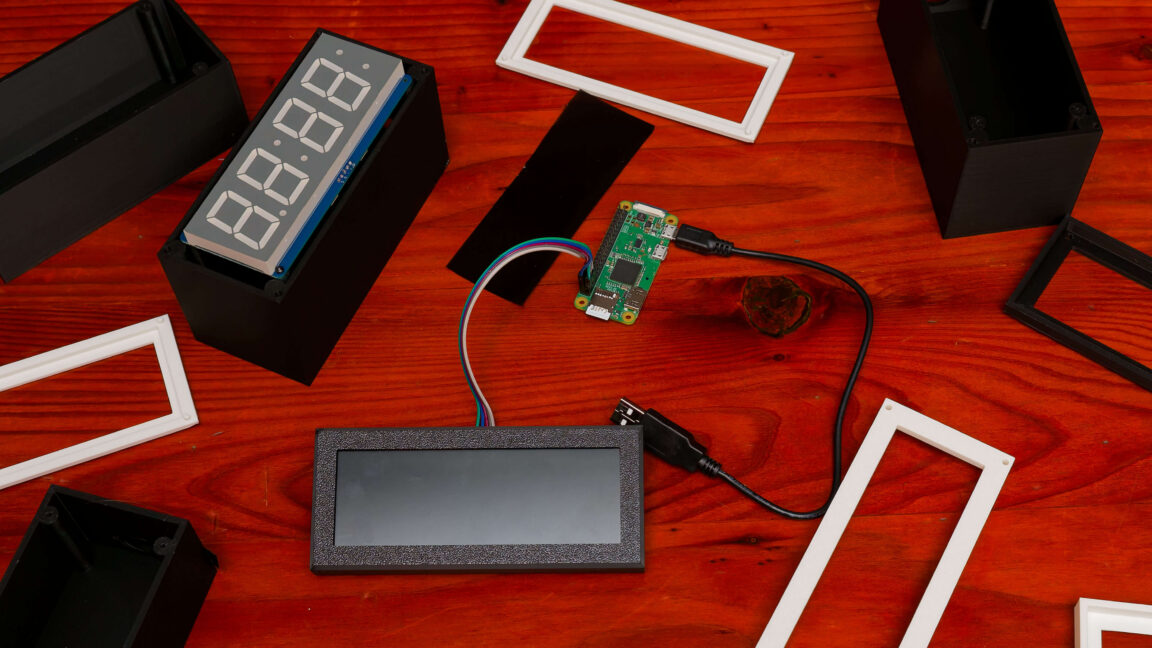
After an extensive search revealed no off-the-shelf product meeting these criteria, the author decided to leverage their 3D printer and technical skills to create one. The project involved selecting a Raspberry Pi Zero W for its operating system and networking capabilities, and an Adafruit LED display kit for the desired visual output. The author also had to learn soldering to connect the display to its controller board.