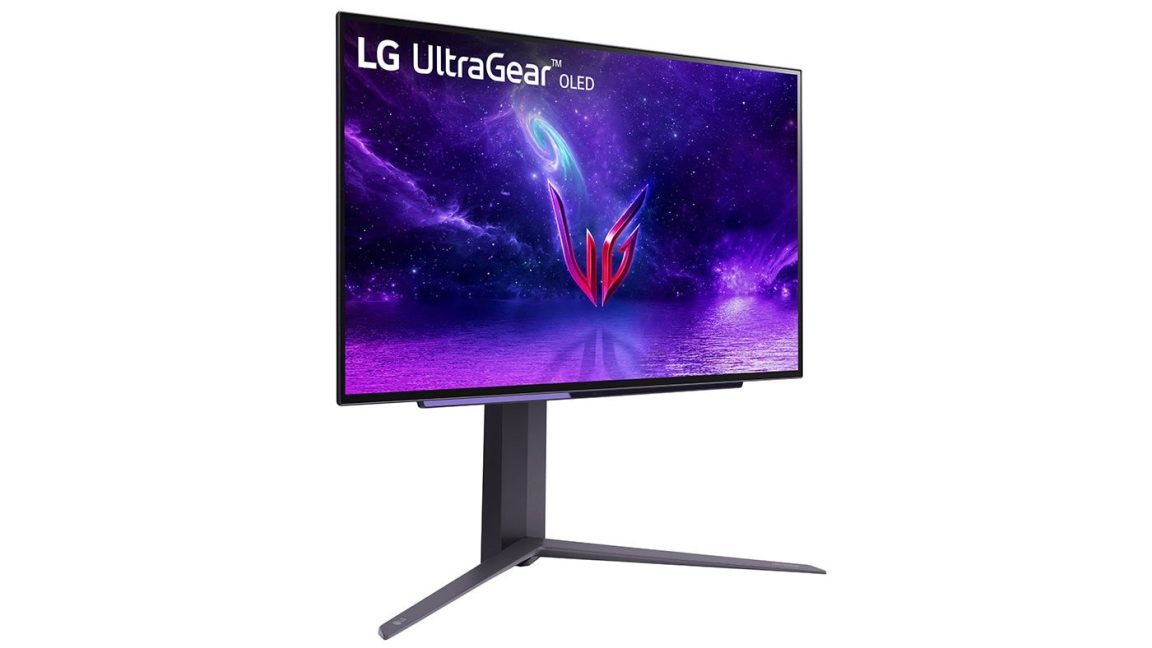
Key facts
- LG monitors are automatically installing "LG Monitor App Installer" and McAfee ads on Windows PCs.
- The app installer has broad permissions, potentially collecting geolocation, device data, and user credentials.
- Microsoft's Windows allows device apps to auto-install if users haven't opted out of recommended settings.
- Users are not notified when the app installs automatically.
- LG has not yet responded to requests for comment on the issue.
LG monitors are reportedly installing an application called "LG Monitor App Installer" and subsequently McAfee advertisements onto Windows systems without explicit user permission. This practice has raised significant privacy concerns, as the app, once installed, can access "all system resources" and collect a wide range of user data, including geolocation, device information, online activity, and credentials. The issue appears to have been ongoing for years and has recently seen an expansion, with users reporting the pop-up ads appearing on monitors purchased years ago.
Microsoft's Windows platform permits Universal Windows Platform device apps to automatically install when a device is connected to a PC, provided the user has not opted out of Recommended Settings and is signed into the Microsoft Store. According to a Microsoft support page, this automatic installation feature does not provide a notification to the user, which can lead to confusion and negative app ratings. This practice mirrors similar criticisms leveled against other hardware vendors, including Razer, Logitech, Asus, and Gigabyte, for automatically installing unwanted software.
Ars Technica contacted LG for comment regarding the purpose of the app, affected monitors, and privacy implications but had not received a response by the time of publication. Gamers Nexus identified several LG monitor models that have been observed auto-installing the "LG Monitor App Installer," including the 34GX900A-B, 45GX950-B.AEU, 32GS95UE-B, 39GX950B, 27GP83B-B, 27GN800, 32GS95UE-B, and 27GN850-B.